
Edit
Shape the story with a professional timeline and precise trim tools.
00:41:3000:42:0000:42:3000:43:00




Split [ ‹ › ]
Edit the story. Find the words. Keep the best parts.
00:00.000 / 00:09.96800:41:11It was a long drive to get here.
00:41:24But the moment we saw the water,
00:42:37everything changed.
00:42:50It just felt right.
00:43:3Like this was the place.
00:43:16A kind of reset.

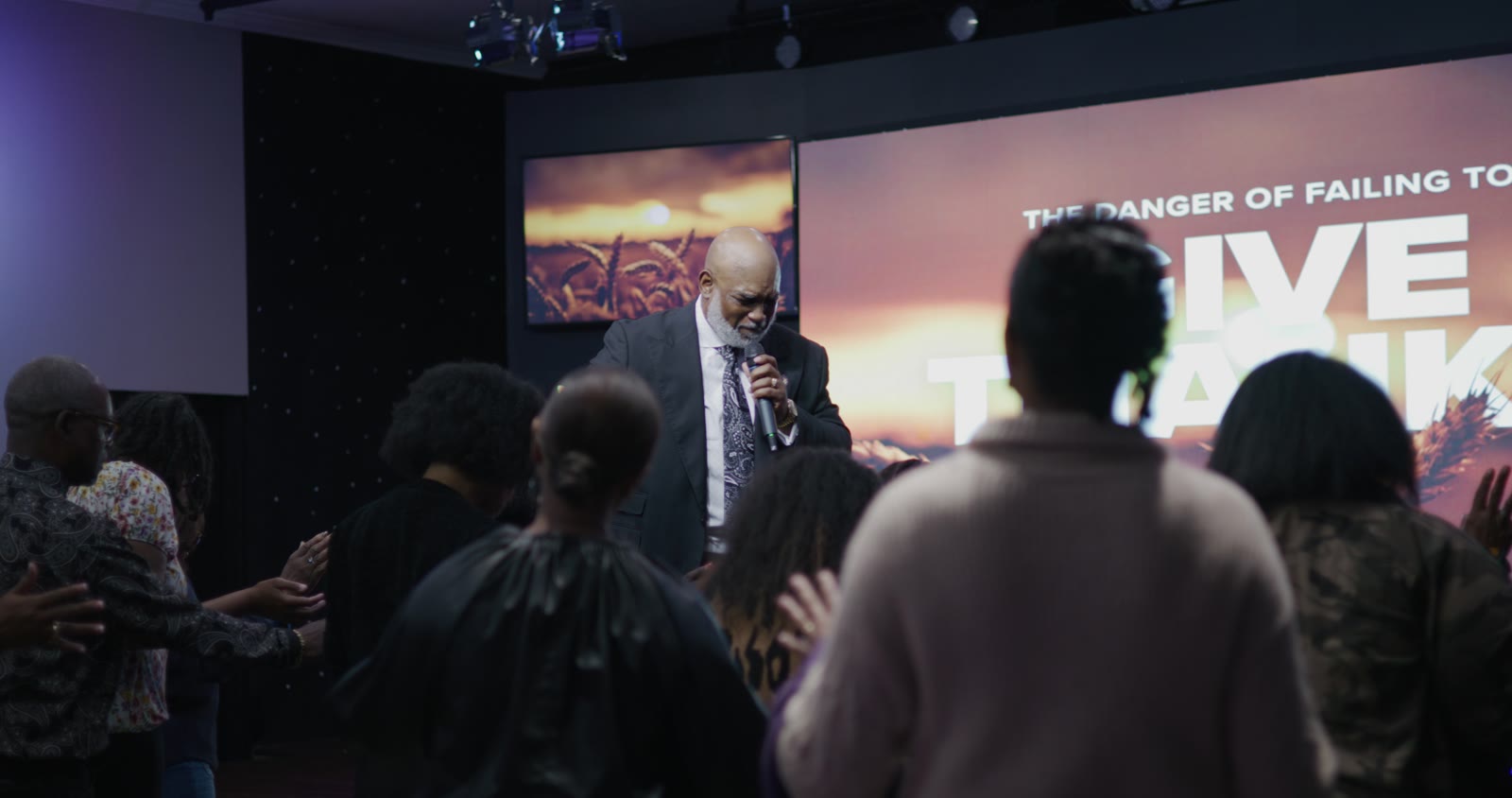
A look inside your creative workspace. Church footage provided by the creator. Transcript and editing controls shown for demonstration.
// EDITING, WORDS, TIMING, HIGHLIGHTS —
ALL IN BumpCut.
Shape the story with a professional timeline and precise trim tools.
Turn speech into editable text you can refine and reuse.
00:41:52It was a long drive to get here.
00:42:52But the moment we saw the water,
00:43:52everything changed.
00:44:52It just felt right.
Get word-by-word timing with precise alignment to audio.
Find and keep the best parts with AI-powered highlights.
In 00:42:04
Out 00:42:16
Editing tools +
AI workflows
Optional upgrade · Coming later